Swipe right
Skip past photos you want to stay in your library.
Keepit
A photo cleaner that feels fast, satisfying, and private. Your library stays on your iPhone — always.
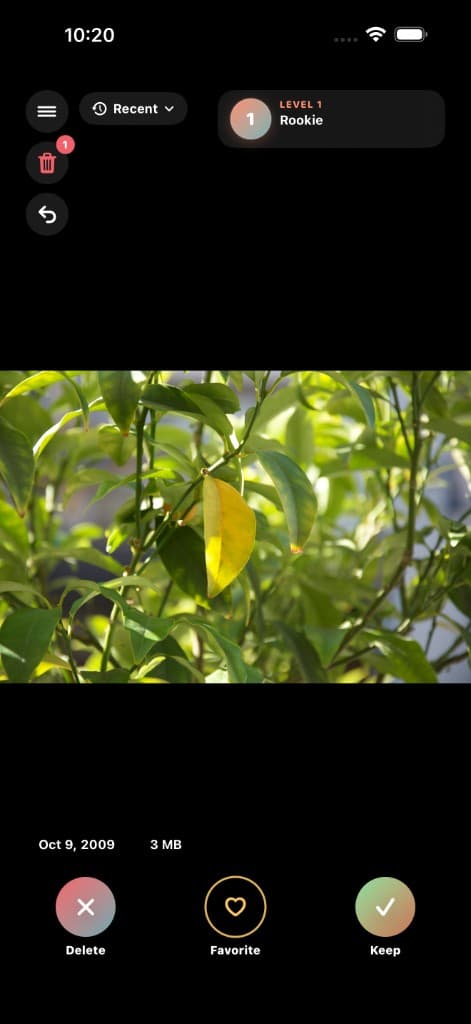
The whole app fits in your thumb
Swipe right
Skip past photos you want to stay in your library.
Swipe left
Queue unwanted shots — confirm later in Trash before anything is gone for good.
Swipe up
Star the keepers and revisit them anytime in Favorites Review.
Same swipe ritual, different starting points — whether you want quick wins or a deep cut through one year.
Deleted means queued. Review everything in Trash, then confirm when you are ready. No accidental wipeouts.
Keepit reads your library on-device. We do not upload your photos or metadata to our servers.
Cleanup earns XP and unlocks themes like Carbon Coral and Neon Tokyo. Streaks and heat maps show the habit forming.
Premium is a one-time unlock for unlimited daily deletes. Restore anytime through Apple on your Apple ID.
Policies & help
Stable URLs for App Store listings — same links in the app.